Select code. Press the shortcut.
Press Control+U on a Mac or Ctrl+Alt+U on Windows, in any app. The panel opens beside your editor and the explanation streams in as it is written.
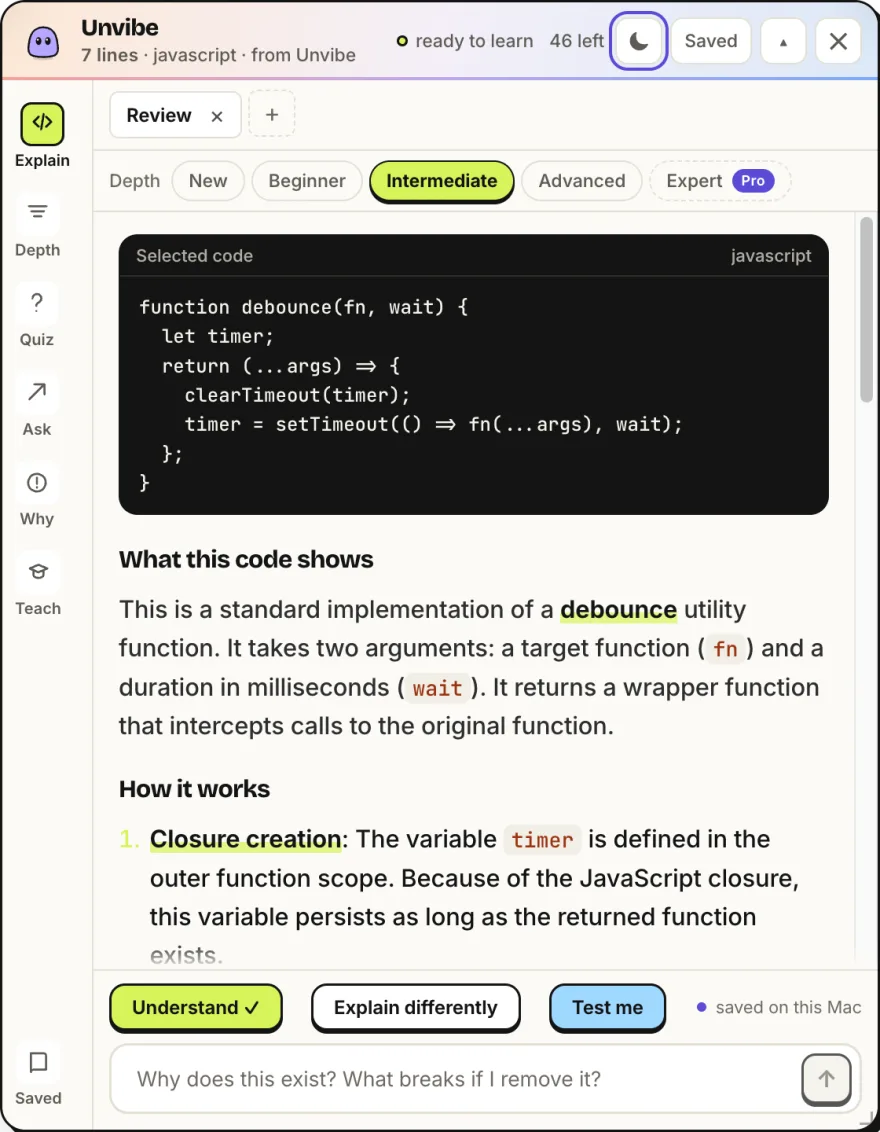
Select code in any app, press Control+U, and Vibe explains it in plain English beside your editor.
Free for Mac + Windows · No API key · Keys and tokens filtered on your computer · Get it for Windows
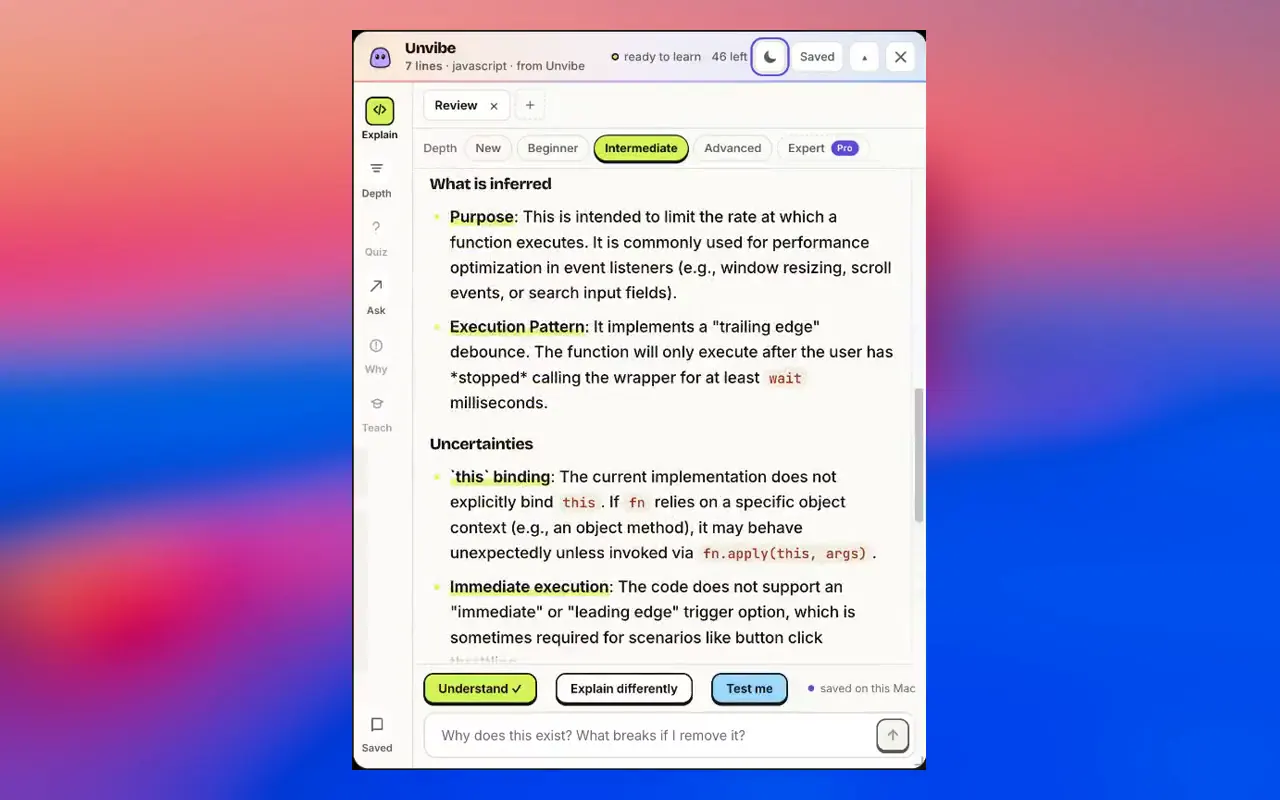
Screen recording of Unvibe 0.1.43 on a Mac. Every explanation was generated live; only the waits between steps are cut.
AI writes the code in seconds. Unvibe helps you understand every line before you ship it.
Select code. Press the shortcut.
Press Control+U on a Mac or Ctrl+Alt+U on Windows, in any app. The panel opens beside your editor and the explanation streams in as it is written.
Pick how deep it goes.
New, Beginner, Intermediate and Advanced are free. Expert is part of Pro. Switch any time and the same code is explained again at that level.
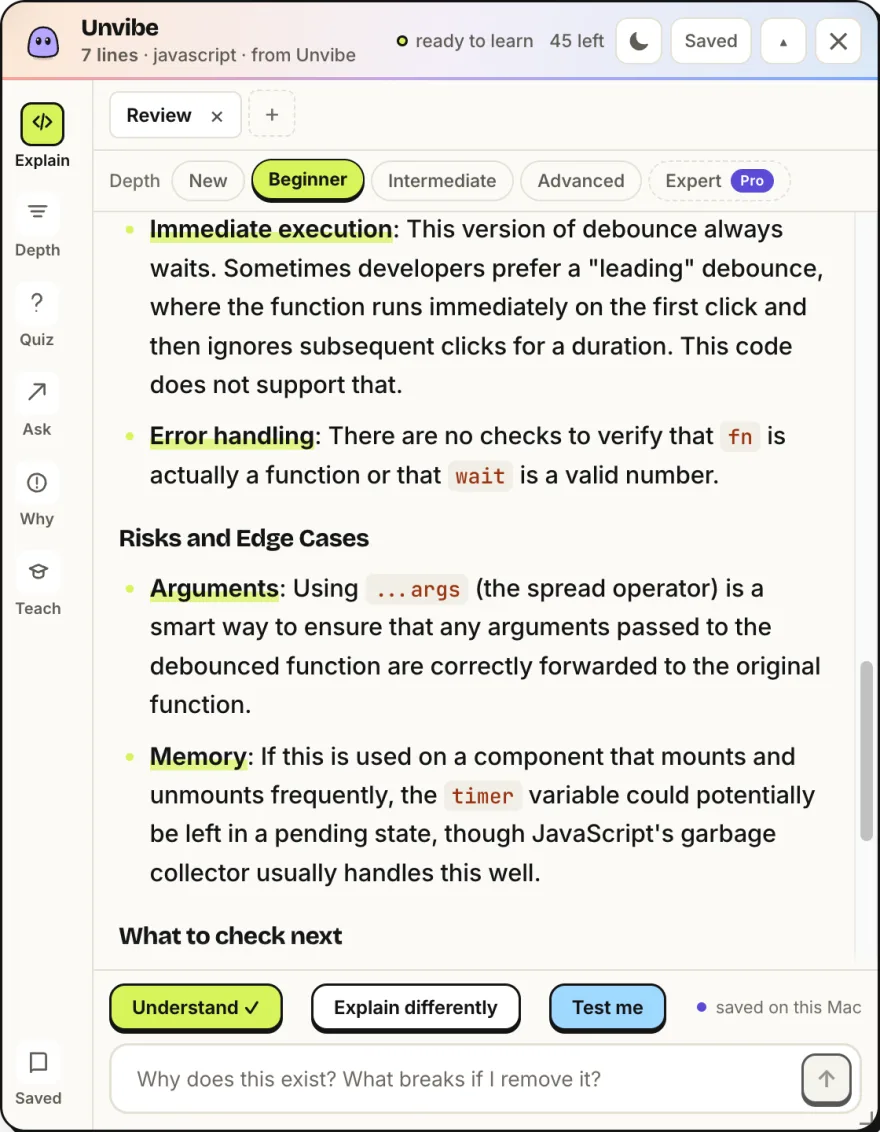
Ask what still doesn't click.
Type a follow-up under the explanation. The answer stays about the code you selected, so you never paste it into a chat.
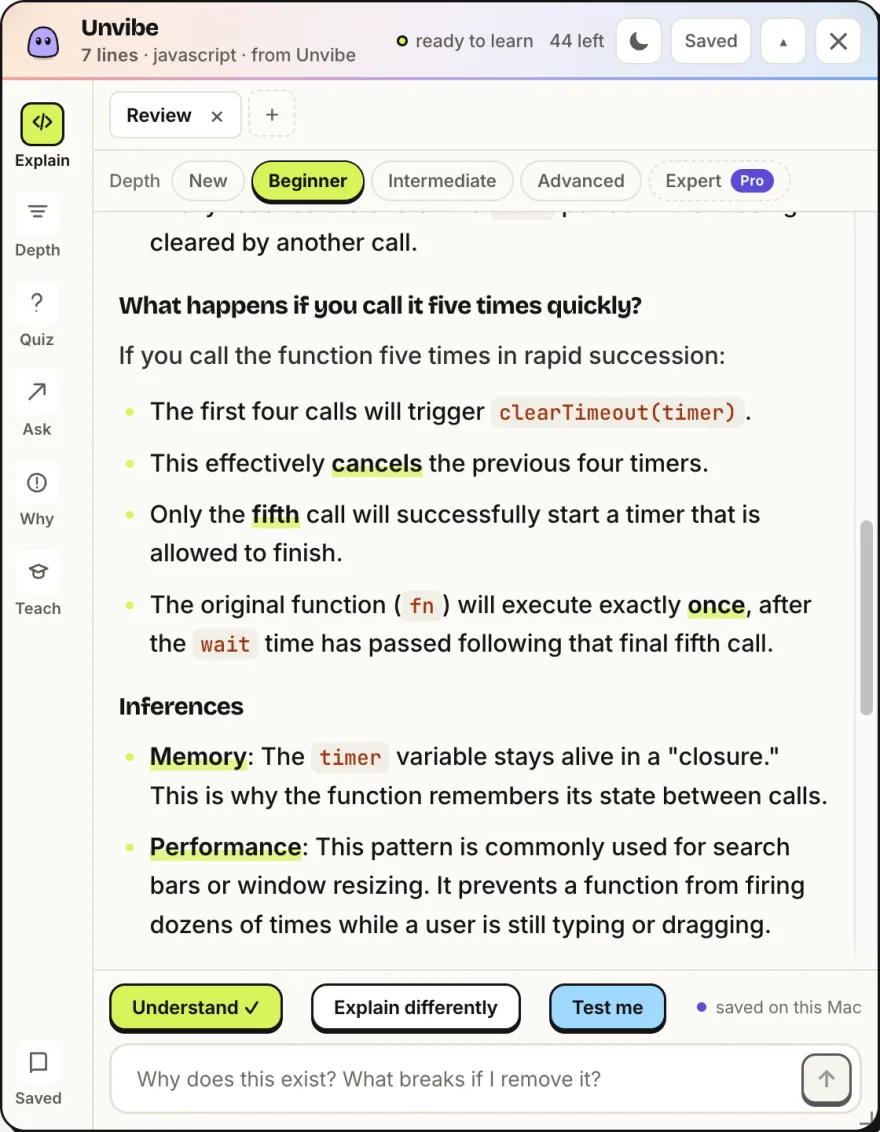
Check that it stuck.
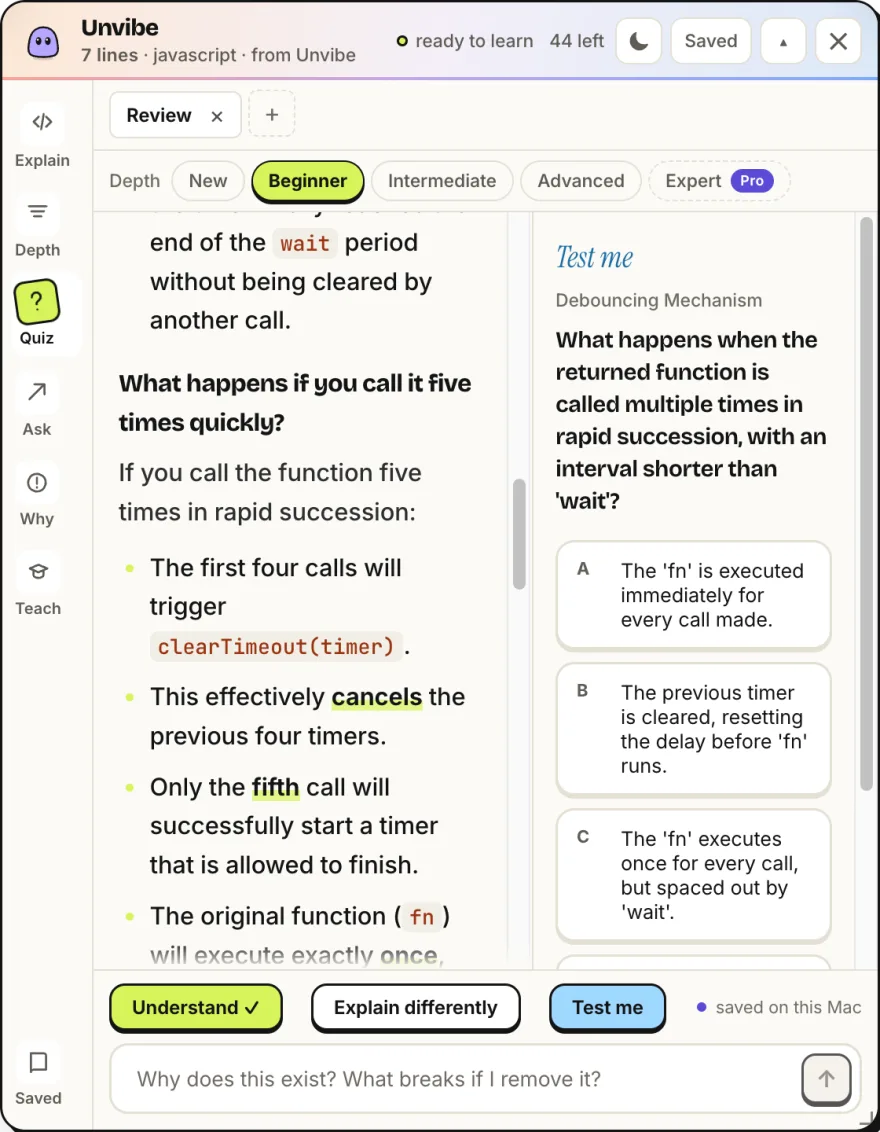
Test me writes one question about this exact code. Miss it and the lesson is saved to revisit later.
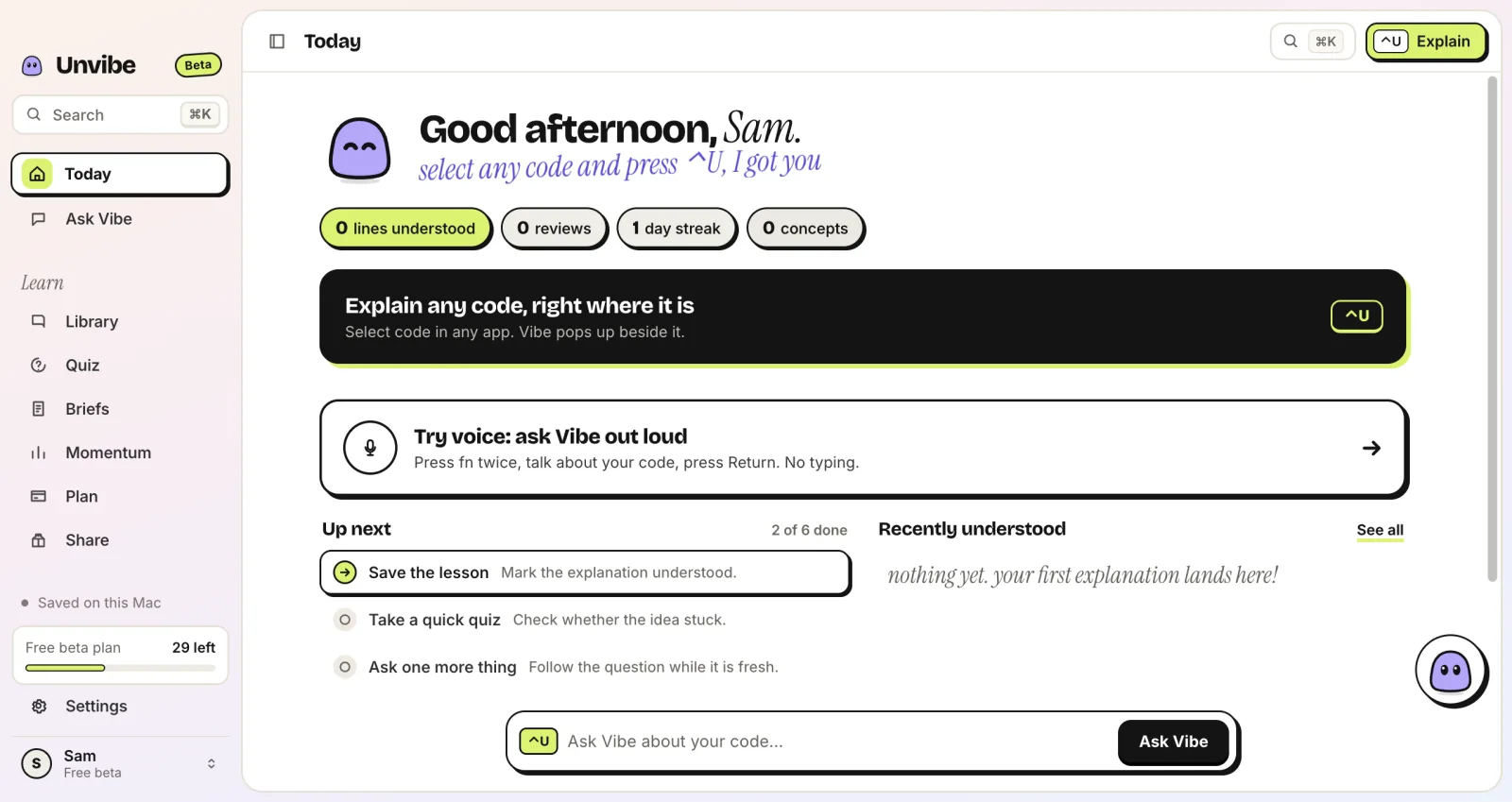
Today
What you understood, what is due for review, and the next small thing to do.
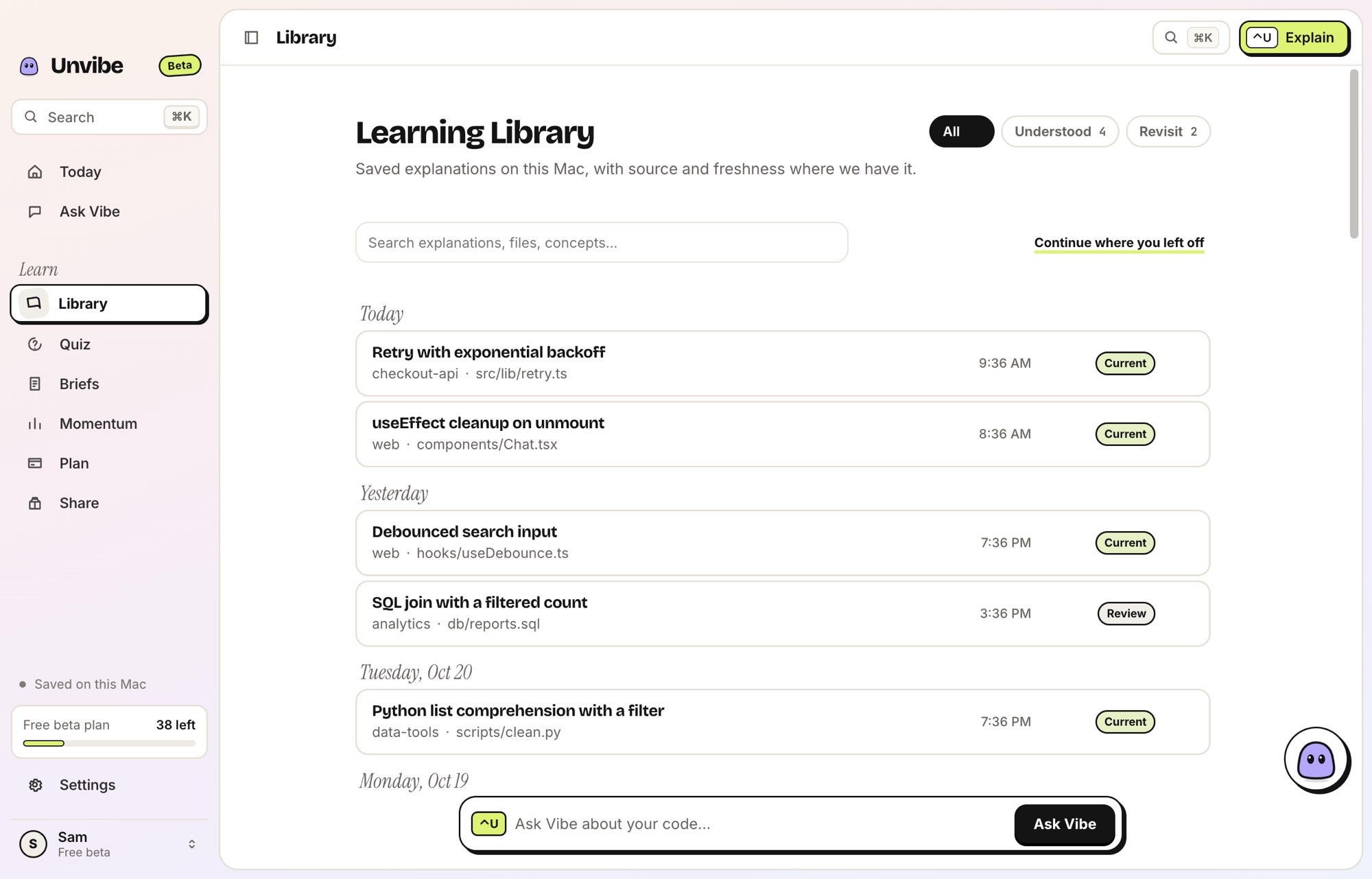
Library
Saved explanations, their source and whether the code has changed since. Shown: Unvibe 0.1.43 with sample lessons, from the product screenshot collection.
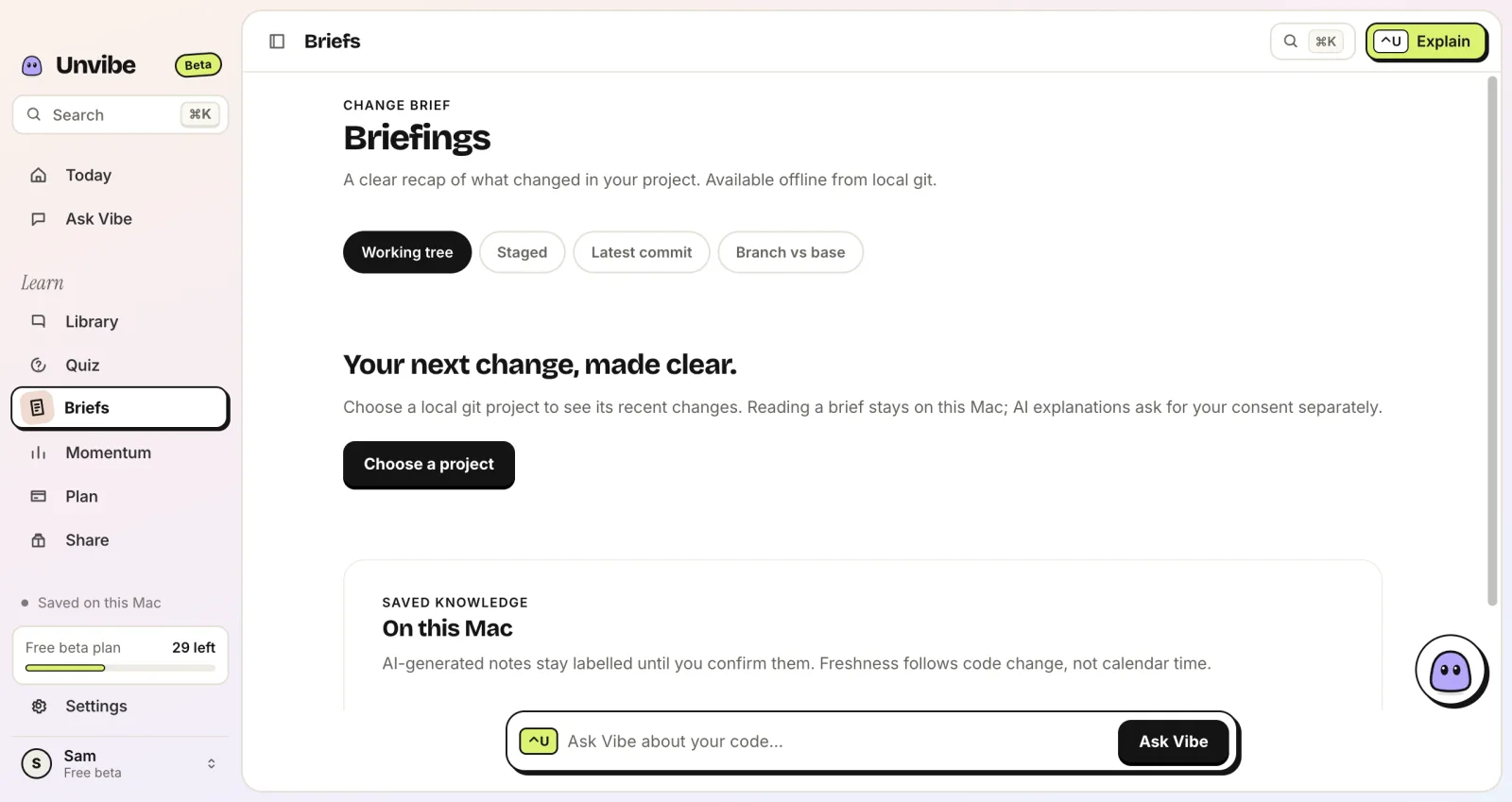
Briefs
Point it at a git project to see what changed in your working tree, staged files, the latest commit or a branch.
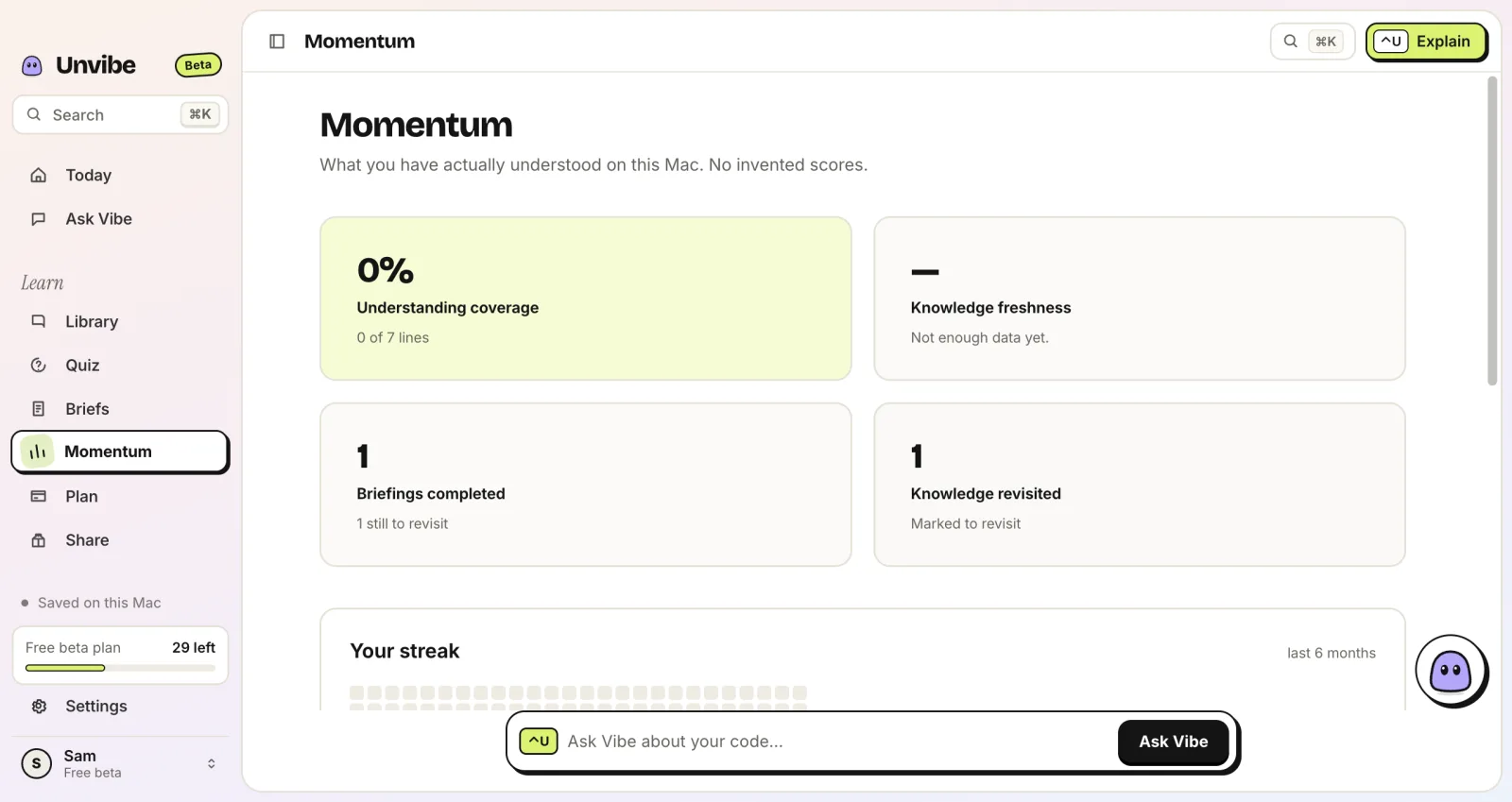
Momentum
Coverage, freshness and your streak, counted from what you actually did on this computer.
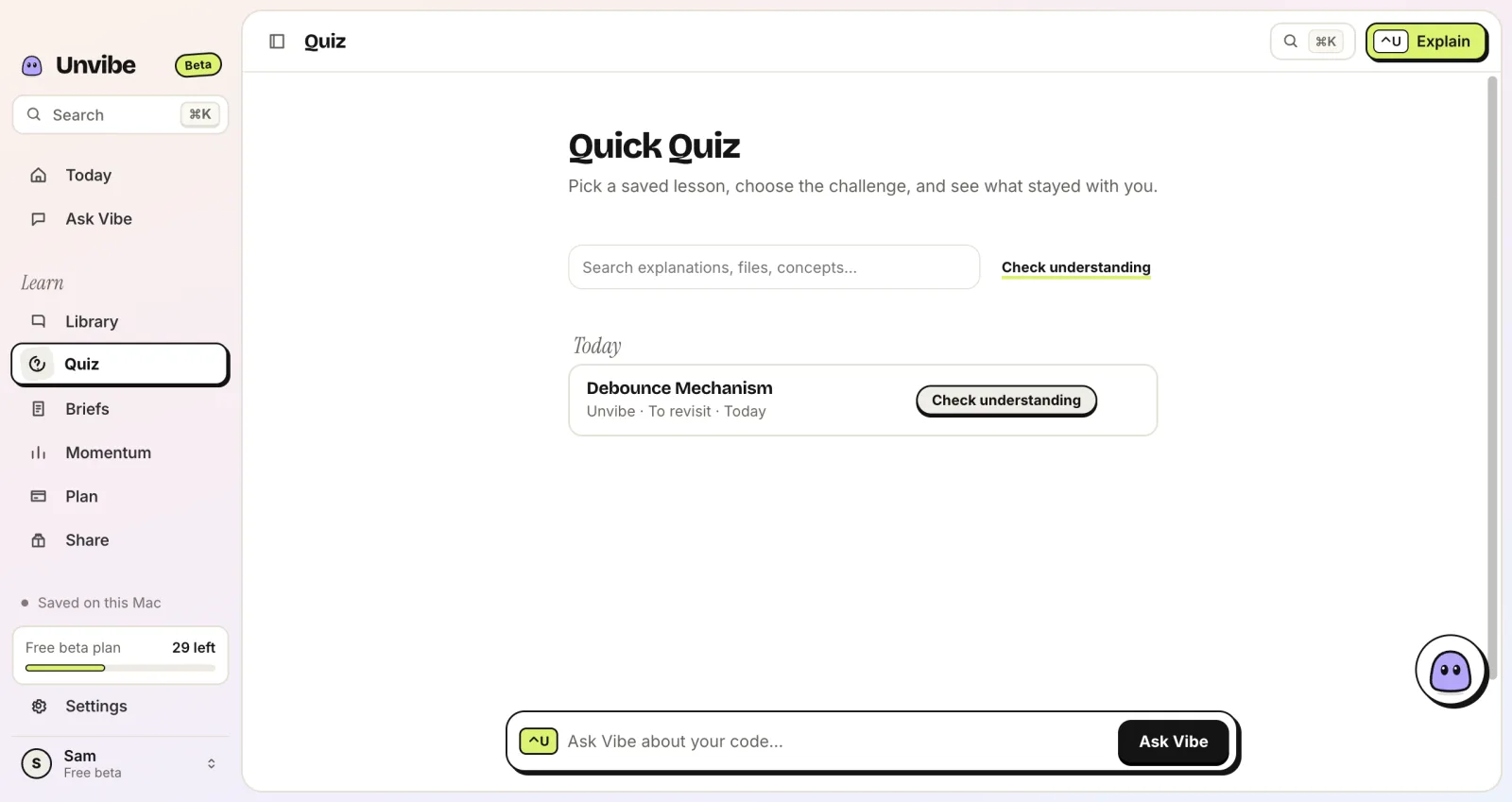
Quiz
Pick a saved lesson and check what stayed with you, days after you first read it.
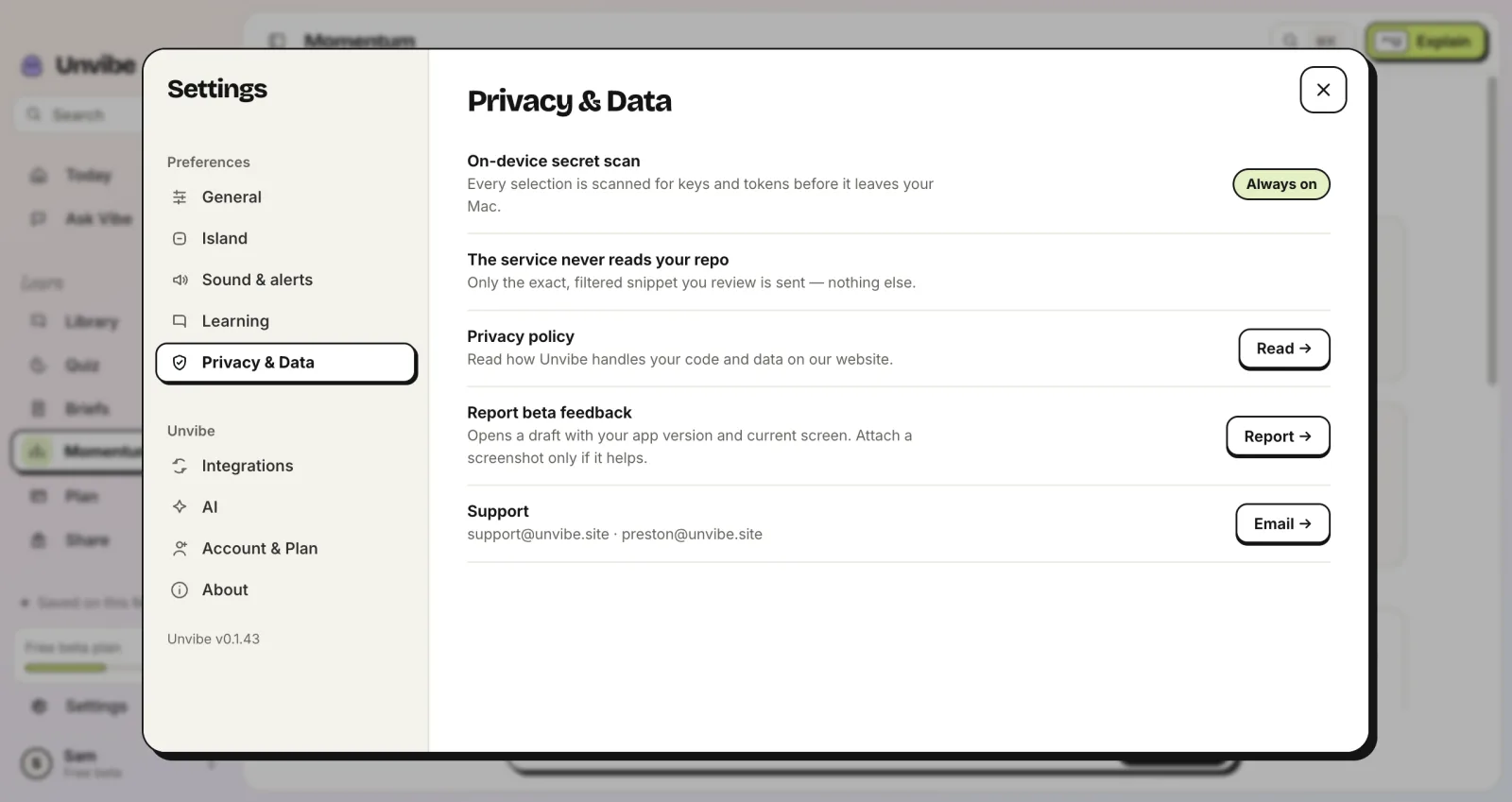
Privacy & Data
Every selection is scanned for keys and tokens on your computer before it is sent. Only what you ask about leaves it.
Recorded on a Mac with Unvibe 0.1.43, except Library: Unvibe 0.1.43 with sample lessons.
Select it, and Vibe explains
A real explanation online, no download. In the app there is no pasting: select code in any app and press Control+U (Ctrl+Alt+U on Windows).
Up to 1,500 characters (about 60 lines). Your code is sent to Unvibe and Google Gemini to write the explanation. Don't paste keys or passwords. Common key formats are refused.
Vibe7 lines selected
Press Explain it for the sample, or paste your own code first.
Pick your computer, open the app, then press the shortcut in any app.
Older Intel Mac? Get the Intel build
Unvibe is not verified by Apple yet, so the first open takes a few extra steps in System Settings. Show me how
Updating? From v0.1.30 on, Unvibe updates itself. On an older version, quit it from the menu bar, drag the new one into Applications and choose Replace.
Unvibe is in Claude for Startups.
Anthropic's program for early startups. Credit details are on the investors page.


A free desktop app for Mac and Windows. Select code in any app and press Control+U (Ctrl+Alt+U on Windows). A panel beside your editor explains it at the depth you pick. Ask follow-ups, take a one-question Test me, and save the lesson to your Library.
Any app where you can select code: Cursor, VS Code, Xcode, Terminal, your browser and more. In Cursor and VS Code, an optional editor bridge adds ⌘U (Ctrl+U on Windows).
Control+U on a Mac, Ctrl+Alt+U on Windows, in any app. The first time on a Mac, allow Unvibe in System Settings › Privacy & Security › Accessibility so it can copy your selection. With the editor bridge (Settings › Integrations), ⌘U or Ctrl+U also works in VS Code and Cursor. You can change the shortcut in Settings.
Only what you ask about: the selected code with its file name and language (with Pro, some nearby code for context), or the git changes in a Brief, plus any question you type. Keys and tokens in the code are filtered on your computer first, and from version 0.1.44 so are your questions and Chat messages. Your repo is never uploaded.
Download it free from the Download page, for Mac (Apple silicon or Intel) or Windows 10 and 11 (x64). No card and no API key. On a phone? We can email you the link.
Yes. AI can be wrong even when it sounds sure. Each explanation sits next to the code it describes so you can check it, and Test me helps you spot what doesn't add up.
When a friend signs in to the Unvibe app and enters the code from your Share page, you each get a month of Pro: Expert depth and answers that use nearby files. Up to five friends. Gift codes need app version 0.1.44 or later. Months stack up to 12 ahead and never apply to an active paid subscription.
A link alone adds no Pro months. The link below brings your friend to Unvibe.
Mac (Apple silicon or Intel) and Windows. No API key and no credit card. Select code, press Control+U (Ctrl+Alt+U on Windows), and keep what you ship.
v0.1.44 · Install steps and requirements